
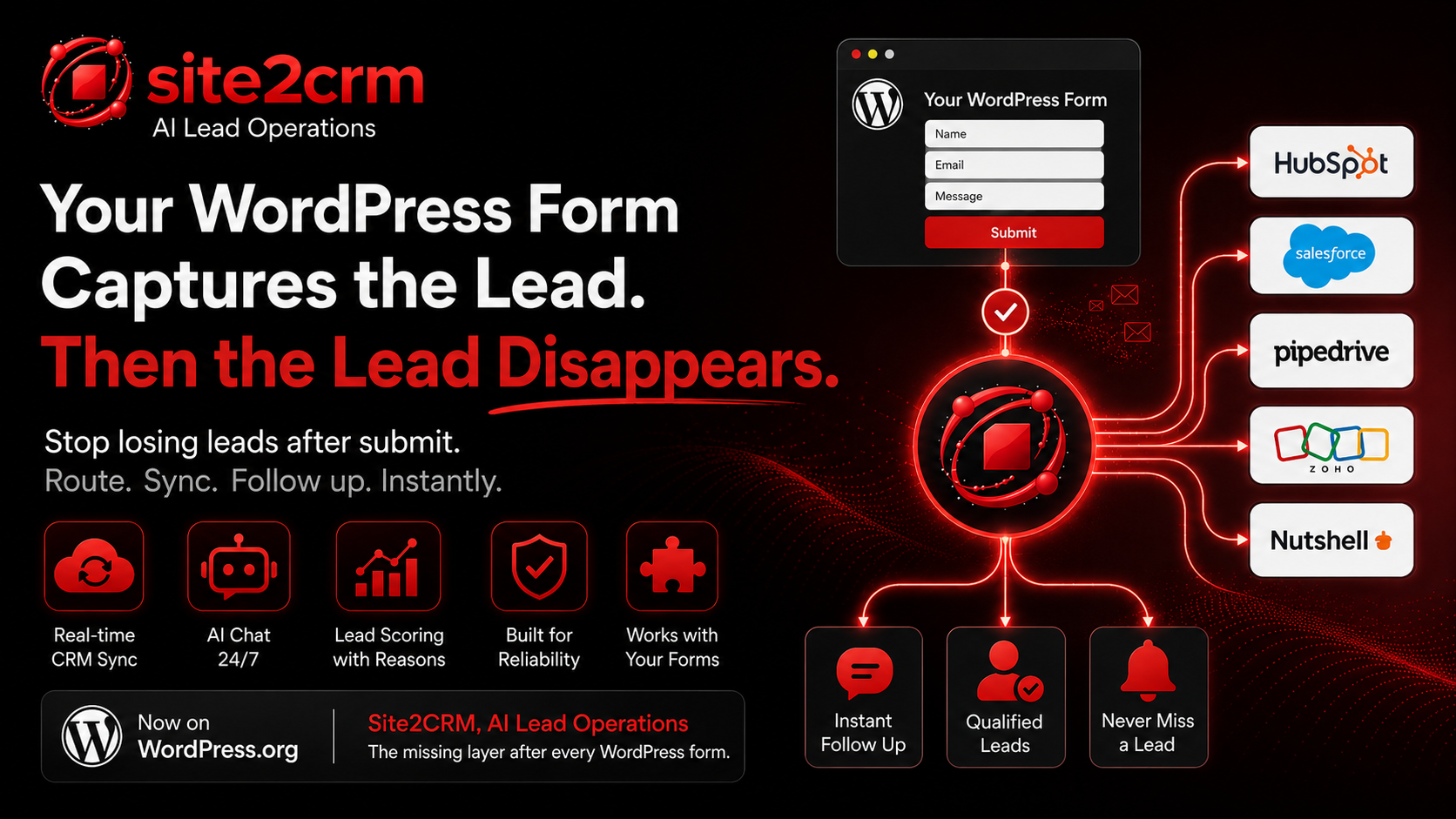
Your WordPress contact form is not broken.
That is the problem.
It does exactly what most form plugins were built to do. It collects a name, an email, maybe a phone number, maybe a message. Then it sends a notification, stores an entry, or drops the submission into an inbox.
And that is where too many leads go to die.
The 9pm quote request waits until morning.
The urgent service inquiry sits behind newsletters and receipts.
The "ready to buy" visitor gets no instant answer.
The sales team manually copies details into the CRM later, if they remember.
Meanwhile, the fastest competitor already replied.
Most businesses do not have a form problem. They have an after-submit problem.
The missing layer after every WordPress form
A lead should not stop moving once someone hits submit.
It should be captured, routed, scored, synced, followed up on, and protected from failure. If HubSpot is slow, it should retry. If Salesforce hiccups, it should not disappear. If a visitor asks a question after hours, someone, or something, should be there to respond.
That plumbing is usually the ugly part: webhooks, API keys, CRM mappings, retries, deduplication, error handling, and notifications.
So we turned it into a WordPress plugin.
Site2CRM, AI Lead Operations is now live on the official WordPress.org directory.
It works with the forms you already use
You do not need to rebuild your site.
Keep WPForms, Contact Form 7, Gravity Forms, Elementor forms, or whatever your current setup is. Site2CRM layers on top of your existing WordPress lead flow and adds the operations layer most form plugins never touch.
No migration. No form rebuild. No custom CRM wiring.
Just a cleaner path from website visitor to qualified CRM lead.
What Site2CRM actually does
Real-time CRM sync
Every form submission is captured and synced to your CRM as it happens. Site2CRM connects with HubSpot, Salesforce, Pipedrive, Zoho, and Nutshell, so your team stops digging through inboxes and retyping lead details by hand.
AI chat that works after hours
Add an AI chat agent to your WordPress site that talks to visitors 24/7, answers based on your business knowledge, qualifies the lead, and captures contact details while your team is offline.
It is not a generic chatbot pretending to know your business. It is grounded in your content and configured around your lead goals.
Lead scoring with reasons, not mystery numbers
A score by itself is not enough.
Site2CRM shows the signals behind the score, so your team can see why a lead looks hot and what to say next.
Reliability by default
The happy path is easy. The real test is what happens when something goes wrong.
If a CRM API is slow, unavailable, or temporarily rejects a request, Site2CRM queues and retries instead of silently dropping the lead.
A note for WordPress developers
If you have ever wired a form to a CRM by hand, you already know the hard part is not the first successful test.
The hard part is everything after that:
- Webhook signatures
- Field mapping
- Duplicate handling
- Auth refreshes
- Retry logic
- API limits
- Error logs
- The 2am failure that nobody notices until the lead is gone
Site2CRM exists so you do not have to rebuild that plumbing on every WordPress project.
Get the plugin
The plugin is free to install from the WordPress.org directory and connects to a Site2CRM account.
Site2CRM, AI Lead Operations on WordPress.org
Full disclosure: I built this.
If you want to know how the real-time sync, AI agent, CRM routing, scoring, or retry system works under the hood, ask me. I would love honest feedback from WordPress users, developers, and agencies.